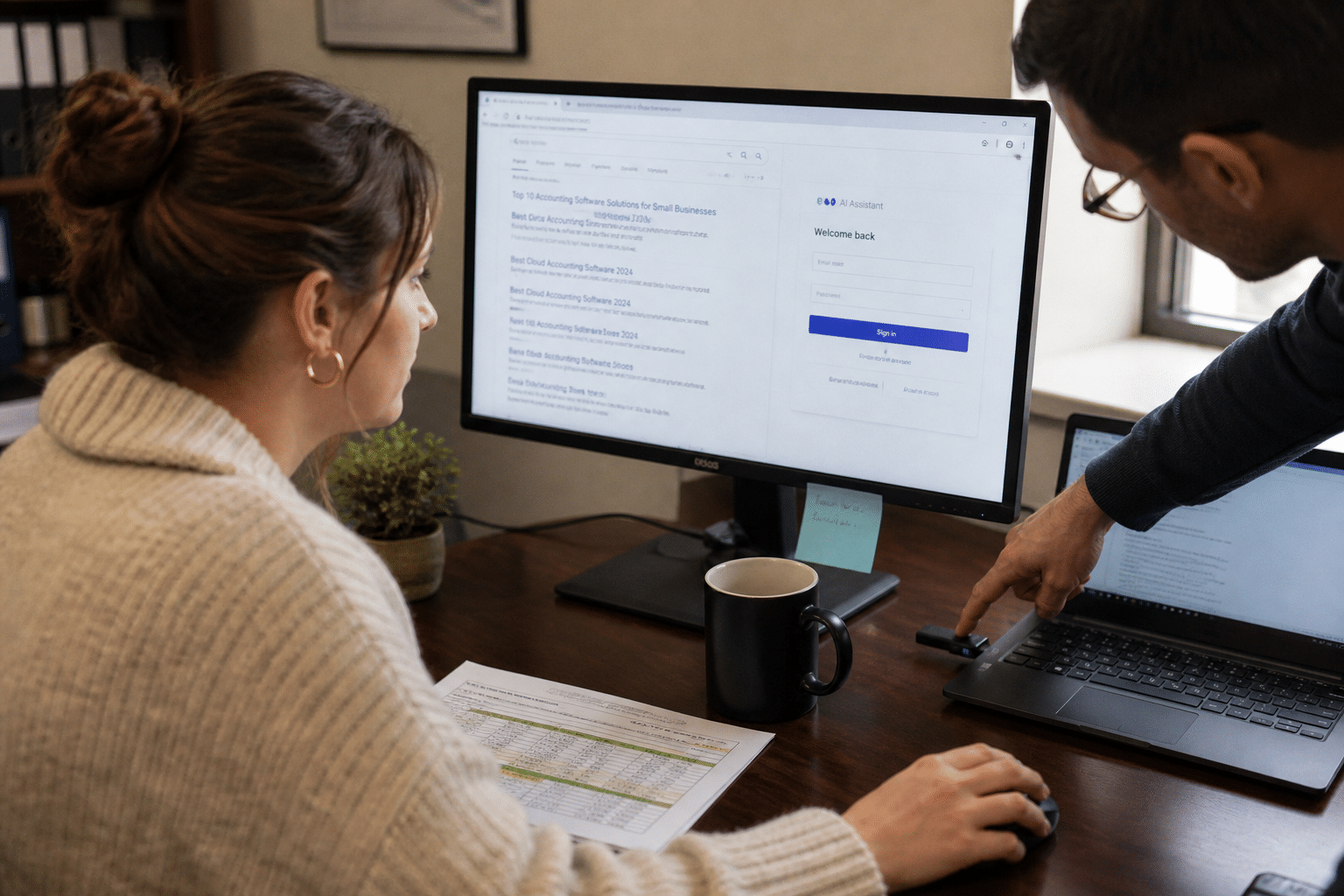
Fake AI tool ads are paid search and social ads that imitate ChatGPT, Gemini, Claude and other assistants, then send the person who clicks to a cloned login page or a fake installer built to steal passwords, one-time MFA codes, session tokens and API keys. Microsoft Threat Intelligence has documented campaigns wrapping AI brand names around credential theft and malware, and security researchers have tracked tens of thousands of attacks disguised as AI services this year, with fake ChatGPT apps the most common lure. The ads work because demand is real: employees want these tools, search for them by name, and click the first sponsored result. For a small or midsize business, one captured Microsoft 365 login and code can open email, files and finance systems. The good news is that this attack depends on habits you can change and controls you can switch on this month.
Overview: Five Things to Know About Fake AI Tool Ads
Our security team has investigated several of these incidents for clients this year, and the same five facts keep appearing.
- The ad is the delivery method. Sponsored results for searches like “Claude download” or “ChatGPT login” sit above the real site and look legitimate.
- Codes are captured in real time. Many fake portals relay what you type to the real service, so a six-digit code or push approval is used within seconds.
- Installers are the second trap. Fake desktop apps and copy-paste install commands deliver credential-stealing malware rather than an assistant.
- AI keys and tokens are now targets. Attackers want API keys and developer tokens because they can run up bills or reach company data.
- Unprovided tools drive the risk. When a company offers no approved assistant, staff go looking, and searching is where the ad waits.
Why Fake AI Tool Ads Work So Well
These fake ads work because they meet a genuine need at the exact moment of search, and because the landing pages copy the real brands closely enough that even careful users miss the difference. Most people never type an AI tool’s address; they search for it.
Search Habits Create the Opening
Employees trying a new assistant for the first time usually search by brand name. Sponsored placements appear before organic results, and on a phone the ad may fill the whole screen.
One view holds that ad platforms should catch these campaigns, and they do remove many. The other view is that removal happens after people have already clicked, often days after launch. Both are true, which is why the business cannot rely on the ad network alone.
Real-Time Relay Defeats Codes
Older phishing pages collected passwords for later use. Many current kits act as a relay: they pass your password to the real service, show you the real MFA prompt, collect the code you enter, and log in with it immediately. The attacker then holds a valid session.
That is why SMS codes, authenticator app codes and simple push approvals do not stop this attack on their own. Our guide to multi-factor authentication best practices explains which methods hold up.
Lookalike Installers
The other branch delivers software. Fake installers and “paste this command into your terminal” instructions run a credential stealer that harvests browser passwords, cookies and saved tokens. Developers and technical staff are frequent targets because they are used to running install commands.
How to Make Captured Codes Useless
Phishing-resistant MFA makes these fake ads far less damaging because it binds the login to the real website, so a code typed on a fake page cannot be replayed. This is the single most effective technical control.
Passkeys and Security Keys
FIDO2 security keys and passkeys use cryptography tied to the genuine domain. If the page is fake, the key will not respond. Microsoft Entra ID, Google Workspace and most major platforms support them.
Some leaders worry about cost and user friction. Hardware keys cost little per person, and passkeys stored on phones or laptops need no hardware at all. Rollout friction is real for the first week, then usually disappears. Our view is to start with administrators, finance staff and executives, then expand.
Conditional Access and Session Controls
Conditional access policies can require compliant devices, block sign-ins from unusual locations and limit session lifetime. Even when a token is stolen, a policy requiring a managed device stops it working from the attacker’s machine.
These policies need tuning to avoid locking out travelers and contractors. A staged rollout in report-only mode first lets you see the impact before enforcing it.
Monitoring for Suspicious Sign-Ins
Alerts for impossible travel, new device registrations and unusual mailbox rules catch the follow-on activity when a session is stolen. Our managed security services team watches these signals for clients around the clock.
How to Remove the Reason Staff Go Searching
The most durable defense against these fake ads is to give employees an approved AI assistant they can reach without searching, because people who already have a trusted tool rarely click an ad for one. Supply reduces the attack surface more than any warning email.
An Approved AI Tools List
Choose one or two assistants that meet your data handling requirements, license them, and publish the list. Explain what data may go into them and what may not.
Some managers fear that approving a tool encourages over-use. Our experience is the opposite: unapproved use is already happening, and an approved option moves it somewhere you can see and control. Our article on shadow AI oversight and the unapproved tools in your business covers how to find what is already in use, and our piece on shadow IT risk for growing companies shows the wider pattern.
Single Sign-On and Bookmarks
Connect the approved tools to company single sign-on and push bookmarks or app tiles to every device. When the login always starts from your identity portal, there is no search step for an ad to hijack.
Managed Installs Only
Deliver desktop apps through your device management tool rather than letting people download installers. Block command-line installs from unknown sources on standard user accounts.
How Browser and Network Controls Help
Browser and network controls reduce exposure to these fake ads by blocking known malicious domains and limiting what users can install, catching the attempts that awareness and supply miss.
DNS and Web Filtering
DNS filtering blocks newly registered and known malicious domains before the page loads. Many fake portals use freshly registered lookalike domains, which filtering catches well.
Critics note that filtering also blocks some legitimate new sites. A quick exception process keeps the friction low and the protection in place.
Managed Browser Policies
Browser policies can block extension installs, enforce safe browsing protections and, in some environments, suppress ads on work profiles. These are free in most enterprise browsers and take an afternoon to configure.
Protecting AI Keys and Tokens
Store API keys in a secrets manager, not in browser autofill or plain text files, and rotate any key that may have touched a machine infected by a fake installer. Set spending limits on AI accounts so a stolen key cannot run up a large bill.
How to Train Staff Without Blaming Them
Training works best when it teaches one habit, starting from the approved bookmark rather than a search, and when reporting a mistake is treated as useful rather than shameful. Our phishing attacks resource and our article on how AI is changing phishing give useful background for those sessions, and our guide to training employees to spot malicious SharePoint links uses the same approach.
Frequently Asked Questions
What are fake AI tool ads?
They are sponsored ads that imitate AI assistants such as ChatGPT, Gemini or Claude and lead to cloned login pages or fake installers designed to steal passwords, MFA codes, tokens and API keys.
Can MFA stop fake AI tool ads?
Code-based MFA often cannot, because many fake portals relay codes to the real service in real time. Phishing-resistant MFA such as passkeys or FIDO2 security keys does stop the replay because it only works on the genuine domain.
What should an employee do after entering details on a fake portal?
Report it immediately, change the password from a trusted device, and have IT revoke active sessions and review sign-in logs. Speed matters because attackers use stolen sessions within minutes.
Should we block AI tools entirely?
Blocking usually pushes use onto personal devices. Approving one or two tools behind single sign-on, with clear data rules, is safer and easier to monitor.
How do we know if a fake installer infected a machine?
Look for unexpected browser extensions, new startup items and sign-ins from unfamiliar locations. Isolate the device, rotate credentials and keys used on it, and have it examined before returning it to use.
Who Is Behind This Guidance
Mindcore Technologies secures Microsoft 365, identity platforms and endpoints for small and midsize businesses, and we help clients roll out approved AI tools with the right controls around them. This article reflects the incidents and rollouts our team has handled this year. Your people choose how they work; our role is to make the safe path the easy one and to catch what slips through. Mindcore is led by CEO Matt Rosenthal, who focuses on helping growing companies adopt AI without opening new doors to attackers.
Close the Fake Ad Path With a Free Strategy Call
These fake ads depend on two things: employees searching for tools the company did not provide, and login methods that accept a code typed on any page. Remove both. Publish an approved AI tools list behind single sign-on, push bookmarks and managed installs, move high-risk accounts to passkeys or security keys, apply conditional access, filter malicious domains and protect AI keys with spending limits. If you would like help putting those controls in place or reviewing what your staff already use, book a free strategy call with our security team. We will assess your exposure and give you a short, practical rollout plan.