

IT teams are the automation practitioners in most organizations — they understand workflows, they know how systems connect, and they have the technical background to build integrations that other teams cannot. They are also, consistently, the teams most overwhelmed by the repetitive, low-judgment work that automation could eliminate if someone had time to build it.
n8n breaks that cycle. IT teams can build the automations that reduce their own ticket volume, automate their own infrastructure operations, and create self-service capabilities for other teams — without waiting for a dedicated automation project to be prioritized and funded. The same technical background that makes IT staff well-suited to build automation also makes n8n’s code-capable workflow builder the right tool for their use cases.
Overview
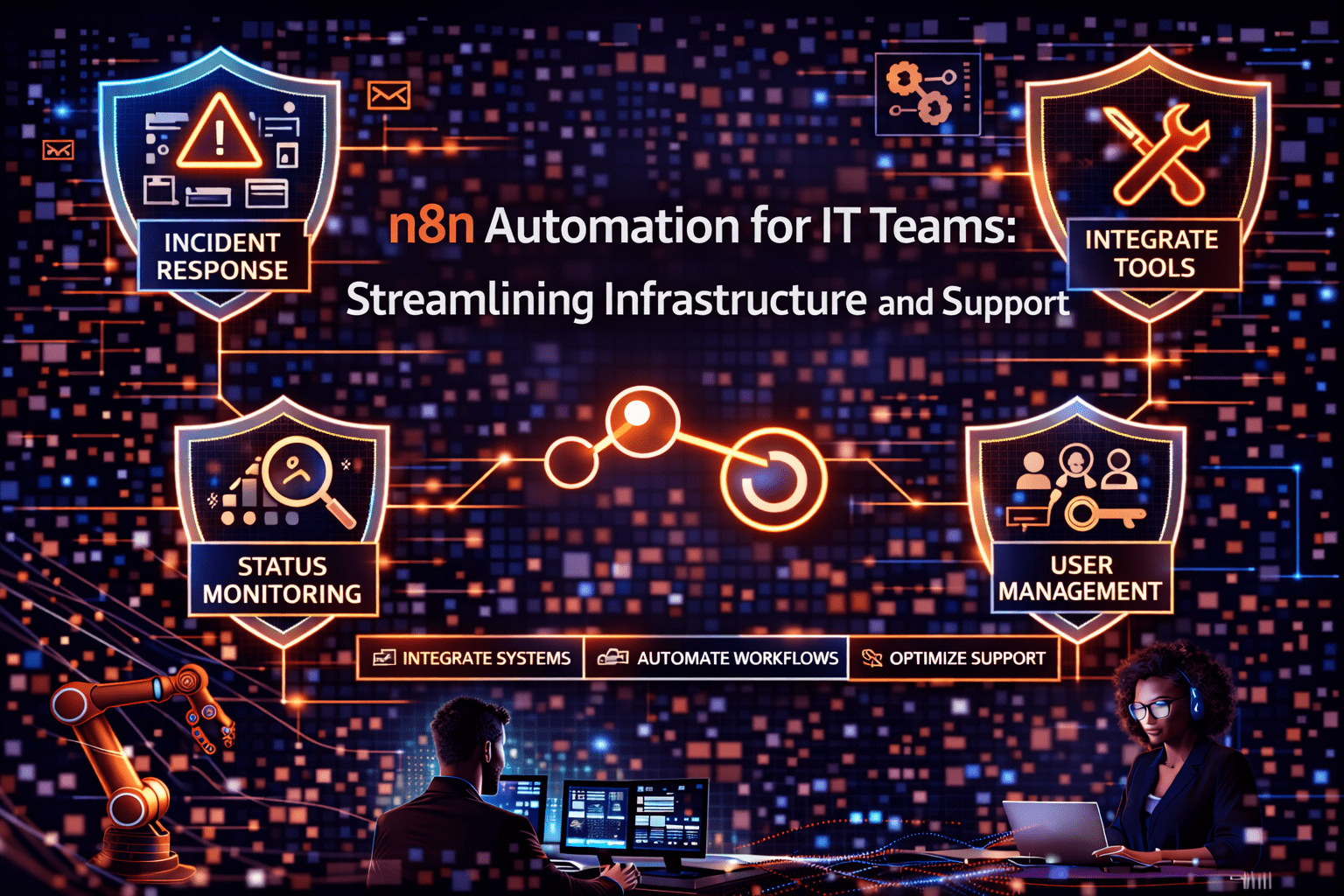
n8n automation for IT teams targets the specific workflow categories where IT time is most consistently consumed by repetitive execution: user provisioning and deprovisioning, access request processing, infrastructure monitoring and alerting, incident management coordination, and service desk ticket routing. Each of these categories involves workflows that are entirely defined by logic — the same inputs always produce the same outputs — and that currently require IT staff execution despite not requiring IT staff judgment.
- User lifecycle management: provisioning and deprovisioning across systems automated through HR system triggers
- Access request workflows: request routing, approval tracking, and provisioning automation
- Infrastructure alerting: monitoring events trigger structured alerts with context, not raw system notifications
- Incident coordination: incident creation triggers team notifications, status updates, and escalation sequences
- Self-service portals: n8n powers backend workflows for employee self-service request forms
This aligns with modern AI automation strategies and enterprise IT optimization.
The 5 Why’s
Why is user provisioning specifically the highest-value IT automation target?
User provisioning at onboarding and deprovisioning at offboarding are high-stakes, multi-system workflows that IT teams perform repeatedly. Each provisioning event requires creating accounts in multiple systems, assigning the correct permissions, and notifying the relevant teams. Each deprovisioning event requires removing access across every system the user had. Manual provisioning is slow and error-prone — access is missed during onboarding, access is not fully removed during offboarding. n8n provisioning automation is immediate, comprehensive, and auditable.
Why does access request automation reduce IT ticket volume more than almost any other IT automation?
Access requests — “I need access to this system” — are among the highest-frequency ticket types in most IT service desks. Each request requires IT staff to verify authorization, approve or escalate, provision access, and notify the requester. n8n automation handles the routing, approval tracking, and provisioning steps automatically — IT staff makes the authorization decision; n8n handles everything else. Ticket volume decreases because the ticket lifecycle compresses dramatically.
Why does infrastructure monitoring alerting specifically benefit from n8n automation beyond what monitoring tools provide natively?
Monitoring tools generate events. What IT teams need is structured, contextualized alerts that include the information required for initial triage without requiring the on-call engineer to query multiple systems before understanding what happened. n8n can receive monitoring events, query related systems for context (which services are affected, what is the current deployment state, what are the recent changes), format a structured alert with that context, and route it to the appropriate channel and team. The engineer who receives the alert has the context needed to act immediately.
Why is n8n specifically well-suited for IT automation compared to general automation platforms?
IT automation use cases frequently require custom API calls, webhook handling, conditional logic based on system state, and code execution for data transformation. n8n’s HTTP request node, webhook trigger support, conditional branching, and JavaScript code node cover those requirements natively. General automation platforms that target non-technical users typically sacrifice the technical depth that IT use cases require.
Why does self-service portal automation specifically reduce IT support burden at scale?
Employee self-service for common requests — password resets, software installs, access requests, hardware orders — reduces the ticket volume that reaches IT staff. n8n powers the backend workflows that execute self-service requests: when an employee submits a self-service form, n8n validates the request, routes it for any required approvals, executes the provisioning action, and notifies the employee. IT staff reviews exceptions and handles escalations; routine self-service requests complete without IT involvement.
IT Automation Use Cases in Detail
User Onboarding Automation
Trigger: new employee record created in HR system (Workday, BambooHR, etc.)
n8n workflow:
- Extract role, department, and start date from HR record
- Create accounts in Active Directory / Azure AD with appropriate group assignments
- Provision accounts in additional systems based on role (Salesforce, Jira, Slack, etc.)
- Set up email account and distribution list memberships
- Create IT equipment request ticket
- Send welcome email with account information
- Notify IT, manager, and department lead in Slack
Time from trigger to completion: minutes. Previously: days.
User Offboarding Automation
Trigger: employee status change to terminated in HR system
n8n workflow:
- Disable Active Directory account immediately
- Revoke access across all provisioned systems
- Transfer owned files and records to defined successor
- Forward email to manager
- Generate access revocation audit report
- Notify IT, HR, and relevant department leads
- Create equipment return ticket
Critical capability: immediate action on status change — no delay waiting for IT to process the termination ticket.
Infrastructure Alert Enrichment
Trigger: webhook from monitoring system (PagerDuty, Datadog, Nagios, etc.)
n8n workflow:
- Parse alert data
- Query deployment system for recent deployments that might be related
- Query incident history for similar past incidents and resolutions
- Check current system dependencies for additional context
- Format enriched alert with all context included
- Post to appropriate Slack channel with severity-based routing
- Create incident ticket if severity threshold is met
Patch Management Notification
Trigger: scheduled weekly
n8n workflow:
- Query vulnerability scanner for systems with pending patches
- Categorize by criticality and age of vulnerability
- Generate patching report
- Distribute to system owners with specific systems assigned
- Create patching tasks in ticketing system
- Set follow-up reminders for unpatched critical vulnerabilities
Building IT Automation That Scales
- Standardize trigger inputs — consistent event data from monitoring and ticketing systems makes n8n workflows more reliable
- Design explicit error handling — IT automation that fails silently creates worse outcomes than manual execution; every workflow needs error notification
- Log everything — IT automation audit trails support compliance, incident investigation, and optimization
- Build for reuse — common sub-workflows (system provisioning, alert formatting, ticket creation) should be built as sub-workflows that main workflows call
Final Takeaway
n8n automation for IT teams eliminates the repetitive execution work that consumes IT capacity without consuming IT expertise. User lifecycle management, access request processing, infrastructure alerting, and self-service portal automation collectively remove the workflow categories that generate the most IT tickets and consume the most IT staff time for work that does not require their technical judgment. That reclaimed capacity goes to infrastructure improvements, security initiatives, and the complex problem-solving that IT teams exist to provide.
Build IT Automation With n8n Through Mindcore Technologies
Mindcore Technologies works with IT teams to design and deploy n8n automation for infrastructure and support operations — user lifecycle automation, access management workflows, monitoring enrichment, and self-service portal development that reduces ticket volume and reclaims IT capacity.
Schedule your free strategy call to assess your IT workflows and eliminate repetitive tasks.

