

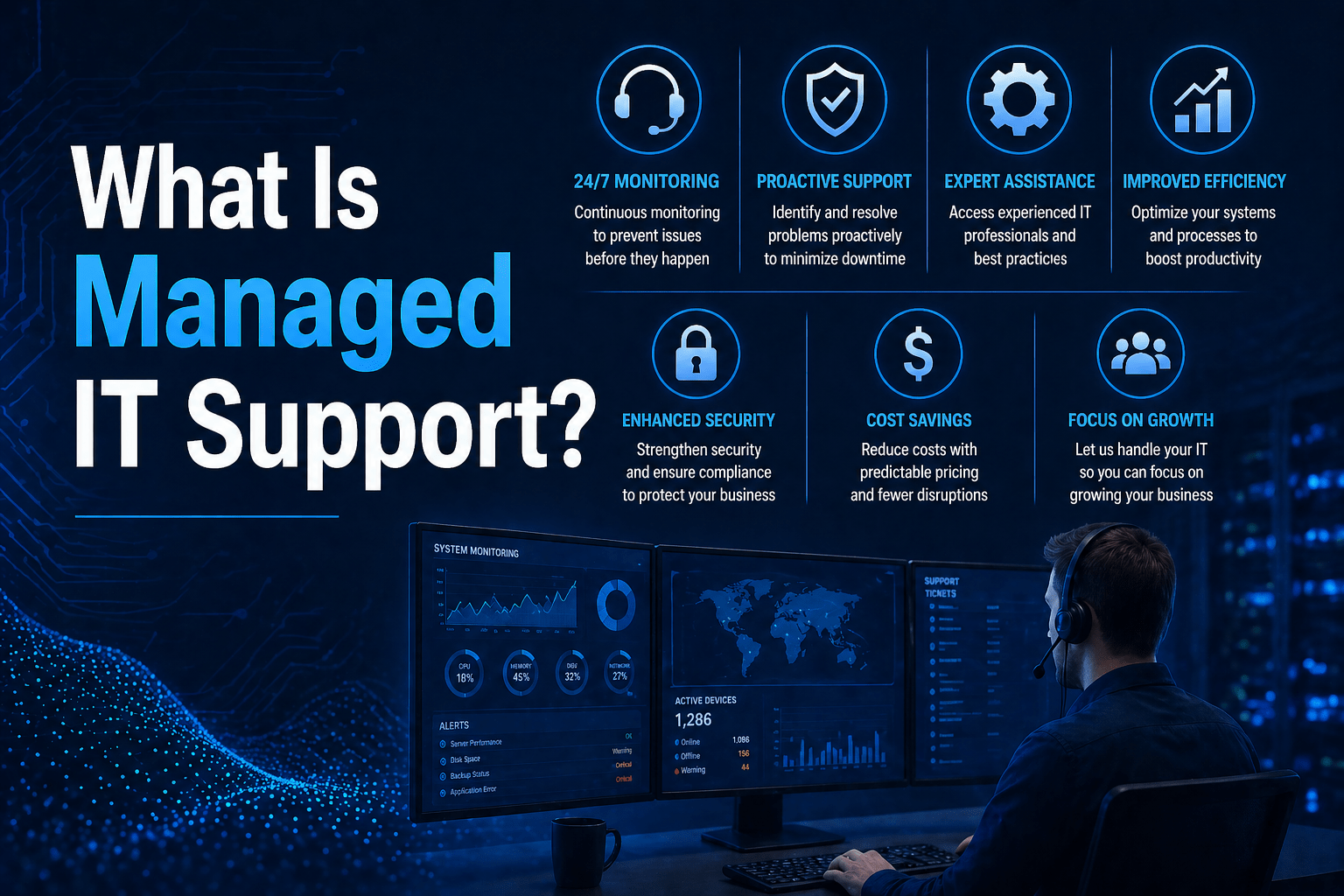
Managed IT support is the ongoing delivery of IT assistance, monitoring, and maintenance to a business by a third-party provider under a service agreement. Unlike break/fix IT support, which responds only when something goes wrong, managed IT support is continuous: systems are monitored around the clock, issues are addressed proactively, and end users have access to helpdesk assistance whenever they need it.
The “managed” aspect means the provider takes operational responsibility for the health and performance of your IT environment on an ongoing basis, not just when called. The support is proactive, the costs are predictable, and the relationship is built on a defined service agreement rather than per-incident transactions.
For businesses evaluating their IT options, managed IT services from a quality provider deliver that ongoing support as a comprehensive engagement, with subscription-based accountability replacing the unpredictable incentives of pay-per-repair support.
Why the Break-Fix Model Fails Growing Businesses
The break-fix model pays the IT vendor more when your systems break, which is the opposite incentive you want. For years, the default arrangement for a small company was simple: something stopped working, you called a technician, they fixed it, and you got a bill. That worked when technology was a back-office utility. It does not work when your revenue depends on systems being available every hour of the business day.
The hidden cost is downtime. When a server goes down under break-fix, the clock starts only after you notice, call, and wait for someone to drive over. Productivity bleeds the entire time, and there is no incentive for the vendor to prevent the failure, because prevention reduces their billable work. Under a managed model, the fee is fixed, so every prevented outage protects the provider’s margin too. Both sides end up wanting the same thing: fewer problems.
What Managed IT Support Covers
End User Help Desk
The most visible element of managed IT support: a team employees can contact when they have technology problems. Quality providers offer help desk access via phone, email, and chat with defined response time commitments, measured in minutes, not hours, for priority issues.
Common help desk requests include password resets, software installation and troubleshooting, email configuration, connectivity problems, device setup, and application errors. A quality managed IT support provider resolves the majority of these remotely without requiring an on-site visit.
Remote Monitoring and Proactive Maintenance
Managed IT support includes continuous monitoring of your devices, servers, and network infrastructure. Monitoring agents detect problems, failing drives, performance degradation, software errors, network issues, and trigger alerts before they become visible failures. The provider addresses these proactively, often resolving them before any user notices a problem.
Patch Management
Keeping systems current is a continuous responsibility. Managed IT support providers patch operating systems, applications, and firmware on a regular schedule, ensuring your environment is not exposed by unpatched vulnerabilities.
Security Baseline Management
Quality managed IT support includes baseline security management: endpoint protection, multi-factor authentication enforcement, email security configuration, and security monitoring. Cybersecurity is not a separate service layer, it is built into the operational routine.
Cloud Environment Management
Most businesses now run at least part of their operations in the cloud, and that environment needs its own ongoing management, not a one-time setup. This includes user provisioning and license management, configuration and security controls, and backup and performance optimization for the cloud platforms your business depends on.
Strategic IT Planning
Beyond day-to-day support, managed IT support includes long-term planning to align technology with business goals: technology roadmaps, vendor management, and budget forecasting. This strategic layer is often delivered through an IT consulting partnership alongside the operational work.
On-Site Support
Remote support handles the majority of IT issues. For problems that require physical access, hardware failures, network equipment, workstation setup, managed IT support providers dispatch technicians on-site. Response time for on-site visits should be defined in your service agreement.
How a Managed IT Support Provider Actually Works Day to Day
The work happens mostly in the background, which is why a well-run engagement can feel quiet. Quiet is the goal. The technical backbone is a remote monitoring and management platform installed on your servers, workstations, and network devices. It reports device health, disk space, security status, and dozens of other signals back to a central dashboard the provider watches. When a hard drive shows early failure indicators or a backup misses its window, an alert fires and a technician acts before you ever notice.
Because MSPs hold privileged access across client networks, CISA has repeatedly flagged that this monitoring layer must be paired with strong security controls on the provider’s own side, not treated as a given.
What Managed IT Support Is Not
The label “managed IT” gets used loosely, and the look-alikes are the most expensive mistakes SMBs make when shopping for support. The contract, not the label, tells you what you’re actually buying.
Not a break-fix shop with a monthly invoice. Some vendors charge a recurring fee but still operate reactively underneath. The monitoring is thin or absent, maintenance is ad hoc, and real work only happens when you open a ticket. You are paying subscription prices for break-fix behavior. Ask one direct question during sales: what happens proactively in a month when nothing breaks? A real provider can list the patching cycles, the backup tests, and the security reviews that run regardless. A repackaged break-fix vendor will struggle to answer, because the honest answer is very little.
Not a staff-augmentation body shop. Staff augmentation rents you technicians by the hour or the month to sit inside your team. That has a place when you need extra hands on a specific project, but it is not managed services. A body shop sells you time and effort. A managed provider sells you outcomes and accountability. With augmentation, you still own the strategy, the tooling, and the responsibility for what goes wrong. The difference shows up the moment something fails at 2 a.m.: with augmented staff, the question is whether your rented technician is on shift; with a real managed provider, coverage and response are already defined in the contract.
Not a help-desk reseller. The third look-alike resells someone else’s help desk and adds a markup. Your tickets route to a generic call center with no knowledge of your systems and no authority to fix root causes. It can answer a password reset. It cannot own your security posture or your uptime.
What Makes Managed IT Support Different From Regular IT Support
The difference is in the relationship structure and operational posture:
| Regular IT Support | Managed IT Support |
|---|---|
| Reactive, responds after problems occur | Proactive, monitors and prevents problems |
| Per-incident billing | Flat monthly fee |
| No ongoing monitoring | Continuous monitoring |
| No formal SLAs | Defined response time commitments |
| No strategic input | Technology planning and advisory |
What to Look For in a Managed IT Support Provider
- Defined SLAs. Response times should be documented and contractually committed.
- Clear scope. Everything included in the monthly fee should be explicitly defined.
- Security integration. Cybersecurity should be part of the managed IT scope, not an add-on.
- Local presence. On-site support capability matters when remote assistance is not sufficient.
- Proven processes. Documented procedures for monitoring, incident response, onboarding, change management, and client communication.
- Co-managed flexibility. If you already have internal IT staff, confirm the provider can supplement your team rather than only offering a full-replacement engagement.
Three things separate a genuine provider from an imitation worth testing directly: a flat, predictable fee tied to managed assets rather than hours; continuous monitoring with documented response and resolution targets; and security built into the baseline rather than sold as an add-on.
Final Takeaway
Managed IT support is what replaces reactive, unpredictable IT assistance with continuous, accountable, proactive management of your technology environment. The quality of the support depends on the quality of the provider’s processes, tooling, and team, not just their responsiveness when called.
Managed IT Support From Mindcore Technologies
Mindcore delivers managed IT support that covers end user helpdesk, continuous monitoring, patch management, cloud environment management, strategic planning, and security, all under a flat monthly fee with defined SLAs. Our co-managed IT option is also available for organizations with internal IT teams that need additional support rather than a full replacement.
Talk to Mindcore About Managed IT Support
Contact our team to discuss your current IT support needs and what a managed engagement would include.

