

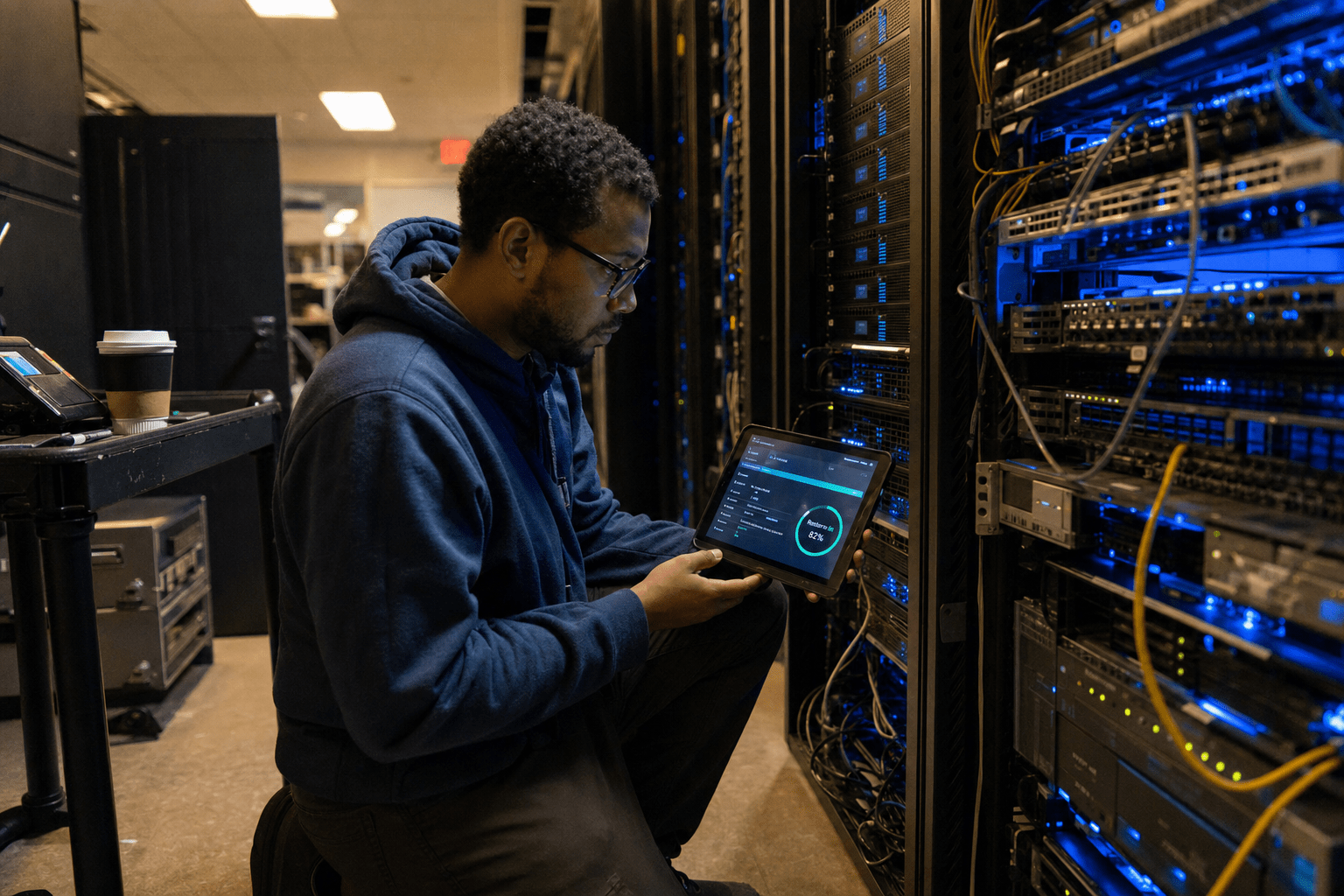
Backup and disaster recovery in Orlando FL has to answer two threats in the same plan: a hurricane that takes out the building, and ransomware that locks the data inside it. Most vendors design for one and hope the other never arrives. That is the gap we see in the wild across Central Florida. A generator and an offsite copy protect you from the storm, but they do nothing when an attacker encrypts your servers on a normal Tuesday. Disaster Recovery Orlando FL should address hurricanes and ransomware in the same plan while proving recovery through scheduled restore testing.
Five Points That Decide Your Orlando Recovery Plan
Before comparing Disaster Recovery Orlando FL providers, evaluate storm protection, ransomware resilience, recovery targets, immutable backups, and restore testing. They summarize the rest of this guide.
- Two-vector design. The plan covers storm-driven physical loss and ransomware encryption, not just one.
- Offsite and out of region. Backups leave the Orlando metro, so a regional storm cannot take your primary and your copy together.
- Tested restores. Recovery is proven on a schedule, because an untested backup is a guess.
- Defined RTO and RPO. You know how fast you recover and how much data you can lose, in numbers, before an incident.
- Immutable copies. At least one backup cannot be altered or deleted, so ransomware cannot destroy your safety net.
Orlando businesses sit in a specific spot. Hurricane season is predictable enough to plan for, yet the same firms often treat cybercrime as someone else’s problem. Both risks are real, and a buyer who weighs them together makes a far better decision.
Why Storm-Only Planning Leaves Orlando Businesses Exposed
Storm-only planning leaves Orlando businesses exposed because it treats disaster as a weather event and stops there. A plan built around hurricane season usually has a generator, a second site, and a backup that ships offsite before landfall. That is real protection against wind and water. It is also incomplete. The CISA StopRansomware guidance is blunt about why: attackers now target backups first, so an offsite copy that an intruder can reach and encrypt is not a copy you can count on.
The counterargument deserves a fair hearing. For a very small Orlando business with little digital footprint, a simple offsite backup may cover the most likely loss, which is a flooded office. Not every firm needs enterprise resilience on day one. The trade-off surfaces the moment that same business grows into systems that clients depend on. Once downtime means lost revenue and lost trust, a one-vector plan becomes a liability. The balanced read is to match the plan to your real exposure today while designing it to extend, so you are not rebuilding from scratch after the first serious incident.
How Hurricane Season Shapes a Backup Design
Disaster Recovery Orlando FL requires geographically separated backups so a regional hurricane cannot affect both primary systems and recovery copies. A backup sitting on a NAS in the same office is worthless if the office floods, and a copy in a downtown Orlando data center can still be at risk during a regional event. The Ready.gov business planning guidance recommends geographic separation for exactly this reason. Our team keeps at least one copy well outside the Central Florida storm cone, so a single system moving up the peninsula cannot take your primary and your backup at once. The opposing view is that distant storage adds recovery latency and cost. That is true, and the answer is a tiered design: fast local restore for everyday failures, distant copies for the regional disaster. You can see how that fits into a full business continuity and disaster recovery approach.
Why Ransomware Changes the Backup Rules
Ransomware changes the backup rules because it turns your recovery plan into a target. Modern attacks look for backup servers and cloud storage credentials, then encrypt or delete those copies before triggering the main event. This is why immutability matters. An immutable backup cannot be changed or removed for a set retention window, even by an administrator account, so the attacker who owns your network still cannot destroy your last clean copy. The fair rebuttal is that immutability adds storage cost and some operational rigidity. Weighed against paying a ransom or losing a business, most Orlando firms find that trade worth making. Layering immutability into cloud backup is one of the highest-value changes a firm can make this year.
What Recovery Time Really Means in Practice
Disaster Recovery Orlando FL should define how quickly operations resume and how much recent data the business can afford to lose. Two numbers frame this. Recovery time objective is how fast you are running again, and recovery point objective is how much recent work you can afford to lose. A firm that discovers its backup runs once a night has quietly accepted losing a full day of work. Some businesses can live with that, a manufacturer running batch jobs may not blink. A medical or financial office often cannot. The unbiased position is that these numbers are business decisions, not IT settings, so leadership should set them on purpose rather than inherit whatever the last vendor configured.
What to Look For in an Orlando Backup and Disaster Recovery Partner
The best backup and disaster recovery in Orlando FL comes from a partner who tests, documents, and proves the plan, so judge them on evidence. Ask to see a sample restore report, a documented runbook, and defined recovery targets from an anonymized client. A partner who does this work can show it. One who cannot is selling storage, not recovery.
Look for Tested Restores, Not Backup Status Lights
Tested restores separate real recovery from wishful thinking. A green backup dashboard only says data was copied, not that it can be brought back. Our team runs scheduled test restores and reports the results, because the worst time to learn a backup is corrupt is during an actual disaster. The counterpoint is that frequent full-restore testing consumes time and resources. The reasonable middle is a rotation, sampling restores regularly and running a full recovery drill on a set cadence, so confidence stays high without draining the team.
Look for Local Response With Out-of-Region Data
Local response with out-of-region data gives Orlando firms the best of both. You want people who can be onsite quickly when hardware fails, paired with backups stored far enough away to survive a regional storm. A purely remote provider may be slow when you need hands on a server, and a purely local one may keep your only copy inside the storm zone. Blending both is the point of a proper disaster recovery design. The honest tension is cost, since two capabilities cost more than one. For most growing firms, the reduced downtime pays that back on the first serious event.
Look for a Written Runbook Anyone Can Follow
A reliable Disaster Recovery Orlando FL plan includes a written runbook that assigns responsibilities and establishes the order in which systems are restored. The plan should spell out what gets restored first, who does what, and how the business keeps operating while systems come back. If your recovery lives only in the head of a single engineer, you have a single point of failure. The opposing argument is that runbooks go stale as systems change. That is real, which is why the runbook should be reviewed and updated on a schedule, treated as a living document rather than a binder that sits on a shelf.
Frequently Asked Questions
What is the difference between backup and disaster recovery?
Backup is a copy of your data, while disaster recovery is the full plan to get your business running again after an incident. Backup answers the question of whether the data still exists, and disaster recovery answers how fast people can work again. A complete plan for Orlando FL needs both, because a copy you cannot restore quickly does not keep the business open.
How often should an Orlando business back up its data?
Most Orlando businesses should back up several times a day, with the exact frequency set by how much recent work they can afford to lose. A firm that creates critical records all day needs near-continuous protection, while one that updates data less often may use hourly or a few daily backups. Set the schedule against your recovery point objective, not against a vendor default.
Does cloud backup protect against ransomware?
Cloud backup protects against ransomware only when at least one copy is immutable and separated from your production credentials. Standard cloud storage that an attacker can reach with a stolen admin login can still be encrypted or deleted. Immutable, credential-separated copies are what keep a clean restore point out of an attacker’s reach.
How long does disaster recovery take after a storm in Orlando?
Recovery time after an Orlando storm depends on your recovery time objective and whether restores have been tested. A firm with tested restores and out-of-region copies can often be operational in hours, while one relying on an untested local backup may take days or fail entirely. The number you plan for should be set before the storm, not discovered after it.
Can a small Orlando business afford disaster recovery?
Small Orlando businesses can afford disaster recovery by right-sizing the plan to their real exposure and budget. Tiered designs let a firm pay for fast local recovery on everyday failures and reserve heavier resilience for the regional disaster. The cost of a scaled plan is almost always smaller than the cost of extended downtime or a ransom payment.
Talk to a Mindcore Strategist About Orlando Recovery
Orlando firms live with two disaster vectors, and a plan that only answers one is a plan waiting to fail. The right design assumes a storm and an attack can both land in the same quarter, keeps a clean copy out of reach and out of region, and proves recovery with tested restores. Our team builds and runs that kind of plan for businesses across Central Florida. If you want to know whether your current backup would actually bring you back, book a free strategy call and we will pressure-test it with you.

