

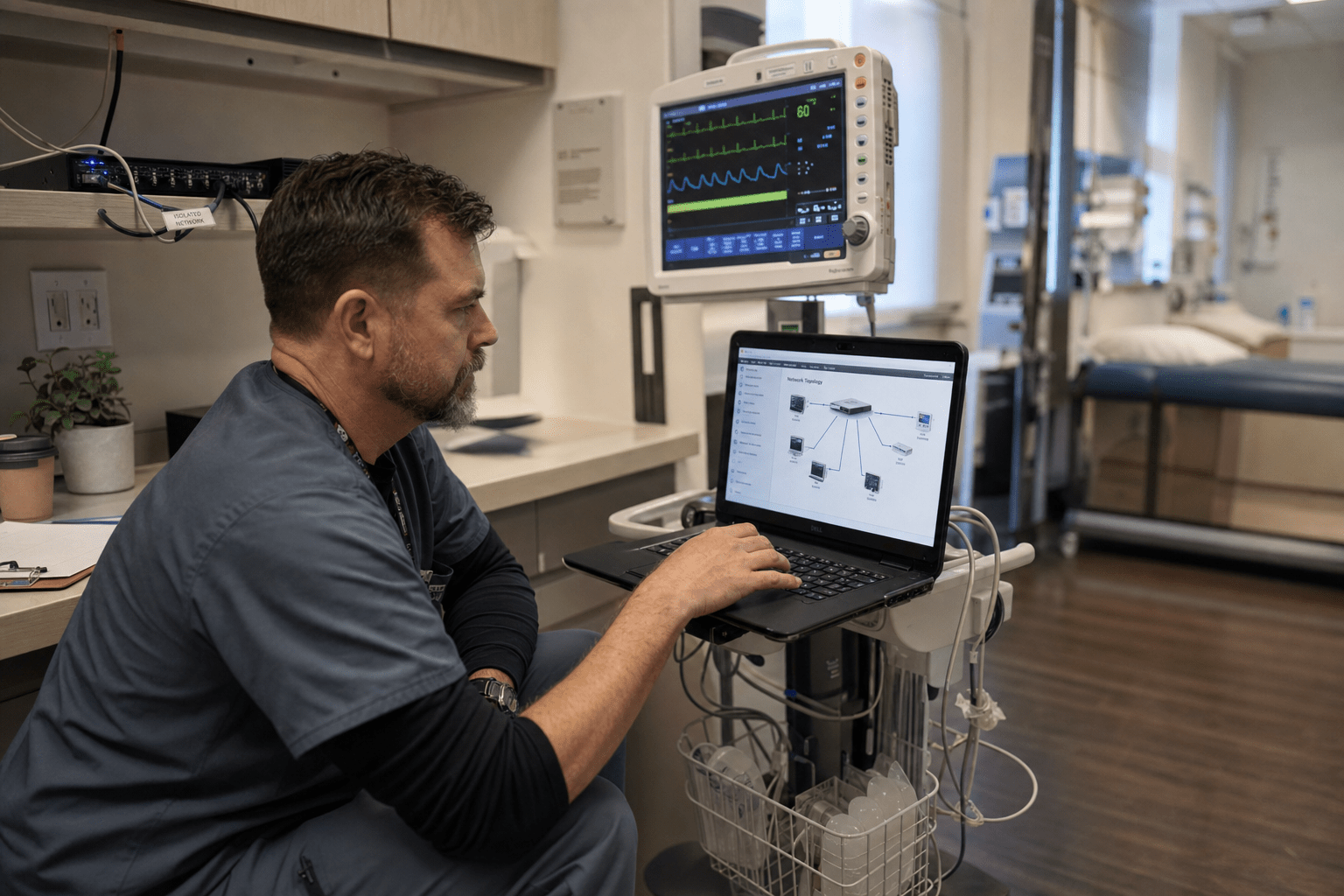
Medical device security is the practice of protecting connected clinical equipment, from infusion pumps to imaging systems, against attacks that use those devices as a way into the network. For a small practice in 2026 the risk shows up in six main ways: devices too old to patch, default passwords never changed, flat networks with no separation, blind spots where nobody sees the device traffic, weak vendor and remote access, and staff who were never trained on the hardware. The device itself is rarely the prize. It is the unlocked door into the systems that hold patient records and billing. The fix is not patching every machine, which is often impossible. It is walling the devices off and watching what they do. Here are the six risks and how to close each one.
Why Connected Medical Devices Are the Weak Point
Connected medical devices are the weakest link in most small healthcare networks because they were built to keep a patient safe, not to survive an attacker. I have walked into clinics running an ultrasound cart on an operating system that stopped getting security updates years ago, sitting on the same network as the billing server. Nobody chose that risk on purpose. The device came that way, the vendor said do not touch it, and it quietly became the softest target in the building.
The scale of the problem is well documented. Industry surveys through early 2026 found that a majority of healthcare organizations cannot fully protect the medical devices they run, and more than half cannot install a security agent on them at all, because the hardware runs embedded systems long past end of life. Attackers know this. They rarely break a modern device head on. They land on the old one nobody is watching and move sideways from there, the same lateral-movement pattern we broke down in our look at how cybercriminals use AI to bypass security.
Here are the five ideas this article keeps returning to:
- The device is the entry point, not the target, so protect the network around it, not just the box.
- You cannot patch your way out, because many devices are unpatchable by design, so segmentation carries the load.
- What you cannot see, you cannot defend, so visibility into device traffic comes before any control.
- Default passwords and open remote access are the two fastest wins, and both are free.
- A small clinic does not need a large security team, it needs the right layers watching the right doors.
Risk 1: Devices Too Old to Patch
The first risk is the device that cannot be updated at all. A large share of clinical equipment runs embedded operating systems the manufacturer froze years ago, so known vulnerabilities stay open for the life of the machine. You often cannot install a patch or an endpoint agent without voiding the warranty or the FDA clearance, which leaves the device permanently exposed on your network.
The answer is to stop treating patching as the goal. When a device cannot be fixed, it gets isolated instead, placed on its own segment where it can reach only what it genuinely needs and nothing else. We map every unpatchable device during a cybersecurity audit and give each one a documented compensating control, so an unfixable machine is no longer an unmanaged one. That record also satisfies the reviewer during a HIPAA assessment, because it shows a deliberate safeguard where a patch was not possible.
Risk 2: Default Passwords and Shared Logins
The second risk is the credential nobody changed. Medical devices ship with default administrative passwords printed in manuals that are public online, and in a busy clinic those defaults often survive for the life of the device. Add the shared login that the whole front desk uses for the imaging station, and one leaked password opens every machine at once.
Fixing this costs nothing but discipline. Every device gets its default credentials changed at install, each staff member gets an individual account rather than a shared one, and administrative access is limited to the few people who actually configure the hardware. The same principle applies when someone leaves, which is where access quietly lingers if no one is tracking it. We covered that gap in detail in how to offboard employees without leaving security gaps, and it applies to device logins just as much as email.
Risk 3: Flat Networks With No Separation
The third risk is the flat network, where the infusion pump, the front-desk PC, and the server holding patient records all sit on the same subnet with nothing between them. On a flat network, a single compromised device gives an attacker a clear path to everything else, because there is no internal wall to slow the spread.
Network segmentation is the highest-value structural fix a small practice can make. Clinical devices go on their own isolated segment, guest and patient Wi-Fi go on another, and the systems holding records sit behind stricter controls, so a breach on one side cannot walk into the other. This is exactly the containment that limited the damage in our medical practice contained in under three minutes case, where separation and monitoring stopped an incident before it reached patient data. For clinics that manage a fleet of tablets and mobile clinical tools, mobile device management enforces the same separation on the devices that move around the building.
Risk 4: No Visibility Into Device Traffic
The fourth risk is the blind spot. Most small practices cannot list every connected device on their network, let alone tell you what each one is talking to. When an unpatchable device starts sending data to an address it has never contacted before, nobody notices, because nothing is watching the traffic those devices generate.
Visibility has to come before any other control, because you cannot protect what you cannot see. Continuous network security monitoring builds a live inventory of every device and flags the moment one behaves oddly, an imaging system reaching out to the internet at 3 a.m., a pump scanning other machines. Behind that, managed security services put a team on the alerts around the clock, so a small practice with no night staff still has eyes on the network when an attacker expects none.
Risk 5: Weak Vendor and Remote Access
The fifth risk rides in through the people you trust to service the equipment. Device vendors routinely need remote access to update software or diagnose a fault, and too often that access is a standing connection with broad reach and no expiration. If the vendor is breached, or the connection is left open, the attacker inherits a direct line into your clinical network.
The control is to treat every outside connection as temporary and scoped. Vendor access is granted only when needed, limited to the specific device, logged, and switched off when the work is done. Multi-factor authentication on every remote session blocks the stolen-password attacks that make these connections dangerous in the first place. Written into your vendor agreements and checked during a periodic audit, this turns a permanent open door into a controlled, time-boxed one.
Risk 6: Staff Who Were Never Trained on the Hardware
The sixth risk is human. Clinical staff are trained to operate the device for patient care, not to spot a security problem with it, so a strange pop-up on the ultrasound screen or a USB stick left in a monitor gets ignored or, worse, used. The most segmented network still has a person plugging things in at the edge of it.
Short, role-specific training closes this gap faster than any tool. Staff learn the few device-security habits that matter: never plug unknown media into clinical equipment, report anything that looks off on a device screen, and never share the login. We build this into security awareness training tailored to a clinical setting, and it pays off in compliance too, a link we walked through in the compliance gaps security awareness training closes. A trained front desk is the cheapest layer of defense a practice owns.
How Small Practices Build a Real Medical Device Security Plan
A workable plan for a small practice comes down to four moves, and none of them require replacing your equipment. First, build an inventory and turn on monitoring, because visibility comes before every other control. Second, segment the network so clinical devices, records, and guest traffic cannot reach each other freely. Third, close the free wins this week: change default passwords, give individual logins, and scope down vendor and remote access with multi-factor authentication. Fourth, document a compensating control for every device you cannot patch, so an unfixable machine is a managed one. Start with the inventory and the two free credential fixes, then layer segmentation and monitoring against your real risk.
Frequently Asked Questions
What is medical device security?
Medical device security is the practice of protecting connected clinical equipment, such as infusion pumps, imaging systems, and monitors, from attacks that use those devices to reach the wider network. Because many devices cannot be patched or run a security agent, the discipline focuses on isolating them, controlling access to them, and watching the traffic they generate rather than hardening the device itself.
Why are medical devices a security risk for small practices?
Medical devices are a risk because they often run outdated embedded software that cannot be patched, ship with default passwords, and sit on the same flat network as patient records. Attackers rarely target the device for its own sake. They use it as an unmonitored entry point and move laterally toward the systems that hold sensitive data and billing information.
Can you patch or install antivirus on a medical device?
Often you cannot, because manufacturers lock the operating system and installing anything outside the approved software can void the device’s warranty or regulatory clearance. When patching is not possible, the accepted approach is to apply compensating controls: isolate the device on its own network segment, restrict what it can communicate with, and monitor its behavior continuously.
How does network segmentation protect medical devices?
Network segmentation places clinical devices on their own isolated part of the network, separated from patient records and general office systems, so a compromise on one device cannot spread to everything else. It is the single highest-value structural control for a small practice, because it contains an attack that gets past the perimeter and buys time to detect and respond.
Is medical device security part of HIPAA compliance?
Yes, medical device security falls under the HIPAA Security Rule’s requirement to protect the systems that create, store, or transmit electronic protected health information. A device that touches patient data must have documented administrative, physical, and technical safeguards, and where a device cannot be patched, a written compensating control demonstrates the practice took reasonable and appropriate steps.
Close the Doors Before an Attacker Finds Them
Medical device security fails in small practices not because the equipment is exotic but because the doors around it are left open, the old device nobody can patch, the default password nobody changed, the flat network nobody separated. The six risks above all yield to the same discipline: see every device, wall the unpatchable ones off, lock down credentials and vendor access, and put monitoring behind it all so an attack that slips in still meets a defense. The practices that get breached are rarely the ones that lacked a budget. They are the ones that never inventoried the devices or turned on the second lock. If you want a clear picture of where your connected devices could let an attacker in, our team works with medical practices through a free strategy call to map the gaps and prioritize the fixes that matter, backed by our managed cybersecurity services.

