Windows 10 LTSB 2016 end of support arrived on October 13, 2026, when Microsoft stopped releasing security updates for Windows 10 Enterprise 2016 LTSB, the long-term servicing edition based on version 1607. Unlike ordinary Windows 10 PCs, which most businesses track and replaced or enrolled in Extended Security Updates, LTSB 2016 machines tend to hide in places IT does not manage directly: check-in kiosks, point-of-sale terminals, digital signage, lab instruments, manufacturing controllers, and computers bundled with medical and imaging equipment. These systems were chosen precisely because they do not change, and many were installed by an equipment vendor rather than the IT team. Now they are running an operating system that will not be fixed when the next vulnerability appears. For a business with 10 to 500 employees, the job is to find them, decide which can be upgraded, protect the ones that cannot, and plan replacements with the vendors who supplied them.
What Windows 10 LTSB 2016 End of Support Means
Five points frame the rest of this guide:
- Security updates have stopped. Systems on Windows 10 Enterprise 2016 LTSB no longer receive patches for newly discovered vulnerabilities.
- The machines keep working. Nothing switches off, which is exactly why they get forgotten.
- Many are vendor-managed. Equipment suppliers often control the software image and may not allow you to upgrade it.
- Newer long-term editions exist. Later LTSC releases, including Windows 11 IoT Enterprise LTSC 2024, have longer support windows; check Microsoft’s lifecycle pages for the exact dates that apply to your edition.
- Unsupported systems attract findings. Cyber insurers, auditors and healthcare regulators increasingly ask about unsupported operating systems on the network.
This guide is written for IT managers, practice administrators and operations leaders at companies with 10 to 500 employees, particularly in healthcare, manufacturing, retail and hospitality.
Where LTSB 2016 Machines Hide
LTSB, later renamed LTSC, was designed for specialized devices that should not receive feature updates. That design makes them stable and also makes them easy to overlook.
Healthcare Equipment
Imaging workstations, lab analyzers, patient monitoring stations and dental equipment often ship with a vendor-installed Windows image. Medical device manufacturers may need to validate any operating system change, which slows upgrades. Our article on medical device security risks SMBs face covers why these systems need special handling.
Kiosks and Front Desks
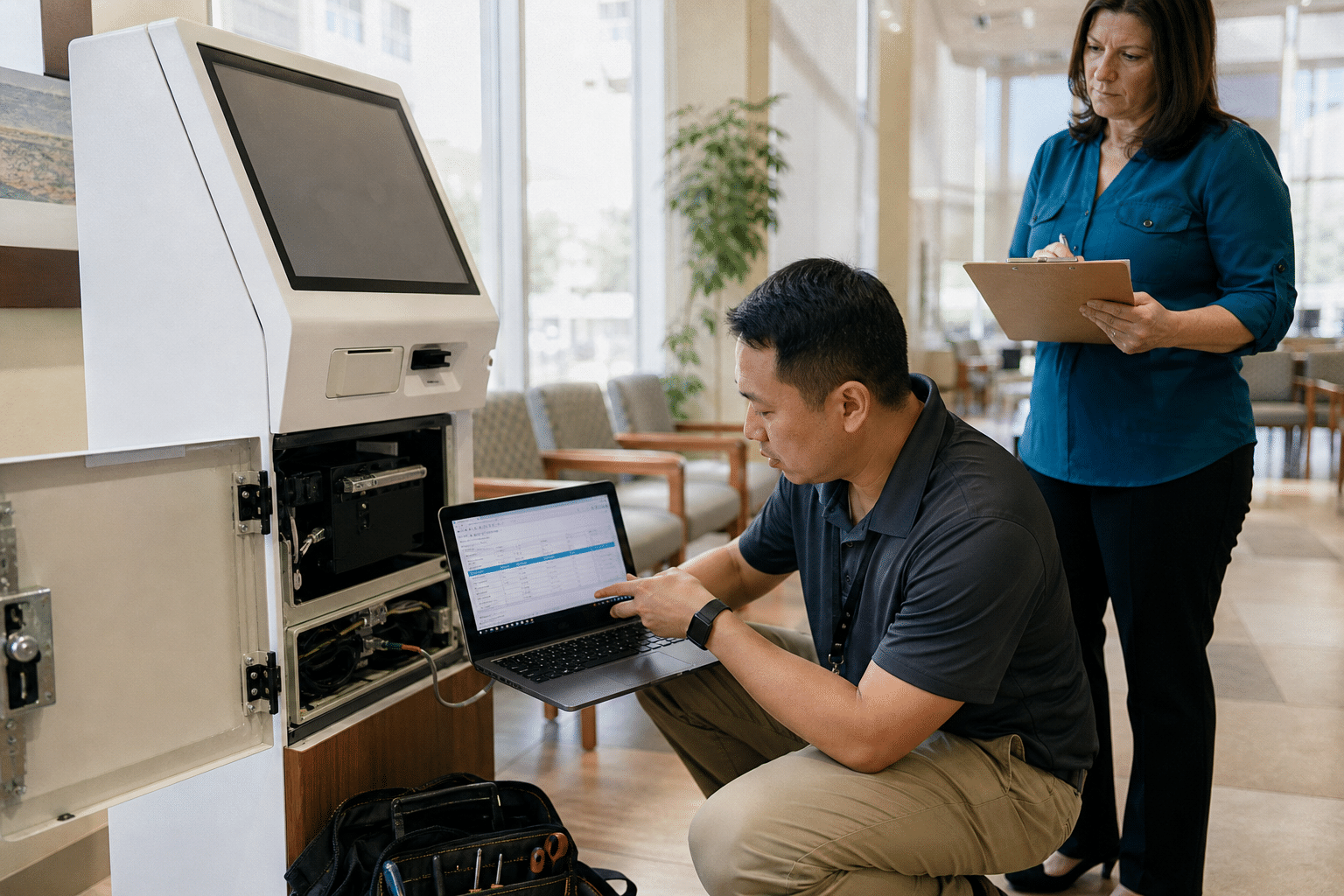
Self-check-in stations, visitor management kiosks and waiting room displays frequently run LTSB because they were set up once and left alone.
Retail and Hospitality Systems
Point-of-sale terminals, ordering kiosks and digital signage players may run LTSB under a vendor support contract that has not been reviewed in years.
Manufacturing and Operations
Machine controllers, quality inspection stations and warehouse terminals on the shop floor often run older long-term editions because the controlling software was certified on them.
How to Find Them
The first step is an honest inventory, and it rarely comes from the license records.
Look at the Network, Not the Paperwork
Use network scanning or your endpoint management tool to identify every Windows device and its build number. Windows 10 Enterprise 2016 LTSB reports build 14393. Scan every network segment, including guest, clinical and production networks. A cyber security audit usually includes this kind of discovery.
Ask Department Leads
Practice managers, shop supervisors and front-of-house leads know which machines came with equipment. Ask them to list every computer that “belongs to” a vendor or a piece of equipment.
Check Vendor Contracts
Review support agreements for equipment that includes a computer. Note who is responsible for the operating system and whether the vendor offers an updated image.
Decide the Path for Each Device
Each LTSB 2016 machine falls into one of four categories. Decide device by device.
Upgrade to a Supported Long-Term Edition
If the software running on the device supports a newer LTSC release, upgrade to it. Windows 11 IoT Enterprise LTSC 2024 is a common target for dedicated devices, and it carries a long support window. Confirm hardware compatibility first, since Windows 11 has stricter requirements.
Replace Through the Vendor
For equipment where the vendor controls the image, ask for a supported version or a replacement computer. Many vendors have upgrade programs; some charge for them. Put the request in writing and record the answer and timeline.
Retire It
Some devices are no longer needed, or their function can move to a supported machine or a cloud service. Remove them from the network.
Isolate and Accept Temporarily
When none of the above is possible yet, protect the device and set a firm replacement date.
Protect Devices You Cannot Replace Yet
An unsupported device can be made much safer, even if it cannot be made fully safe.
Segment the Network
Place legacy devices on their own network segment with firewall rules that allow only the specific connections they need, such as to a single server or the vendor’s support address. Block internet access unless it is genuinely required. Good network management makes this practical for small teams.
Remove Unneeded Access
Disable email, web browsing and file sharing on these devices if they do not need them. Remove local administrator rights from everyday users and restrict USB storage.
Control Remote Support
Vendors often support equipment remotely. Require remote sessions to go through an approved tool that you can turn on and off, with logging, rather than an always-on connection.
Monitor Closely
Watch legacy segments for unusual traffic, new connections and failed logins. Network security monitoring can alert on behavior these devices should never show. Our explainer on security risks at the endpoint level describes what to look for, and the story of ATM jackpotting shows how attackers exploit specialized machines.
Document the Exception
Record each unsupported device, why it remains, the compensating controls in place and the replacement date. Auditors and insurers respond far better to a documented, time-limited exception than to an undocumented one.
Working With Equipment Vendors
Most of the delay in replacing LTSB 2016 devices comes from vendor conversations that start too late or stay vague. A structured approach speeds them up.
Questions to Ask Every Vendor
Ask whether a supported operating system image is available for your model, what it costs, whether the hardware must be replaced, how long the upgrade takes on site, and whether the device needs revalidation afterward. Ask which remote support tool they use and whether you can control when it connects. Request the answers in writing.
Escalate When Answers Stall
If a vendor cannot give a timeline, ask for their written guidance on compensating controls and their end-of-life policy for the equipment. That documentation protects you with auditors and insurers, and it often prompts a faster answer.
Budgeting for Replacements
Replacing specialized devices can be expensive, especially when the operating system change forces new hardware or software licenses. Group devices by risk: anything internet-facing or handling patient, payment or personal data comes first. Spread lower-risk replacements across the next budget cycle, and fold the remaining exceptions into your annual IT plan so they do not surprise leadership later. Coordinating the work as a defined IT project keeps vendors, sites and timelines aligned.
Frequently Asked Questions
When did Windows 10 LTSB 2016 reach end of support?
Windows 10 Enterprise 2016 LTSB reached the end of extended support on October 13, 2026. Systems on that edition no longer receive security updates.
How do I know if a device runs LTSB 2016?
Check the Windows build number. Windows 10 Enterprise 2016 LTSB is build 14393, version 1607. Network scans and endpoint management tools can report it across your devices.
Can we upgrade a kiosk or medical workstation ourselves?
Only if the software vendor supports it. For equipment where the vendor controls the image, request an updated version or replacement through the vendor to avoid breaking validated systems.
What should we upgrade dedicated devices to?
A supported long-term edition such as Windows 11 IoT Enterprise LTSC 2024 is a common choice, subject to hardware compatibility and vendor support. Check Microsoft’s lifecycle documentation for exact dates.
What if a device cannot be replaced for months?
Isolate it on its own network segment, remove unnecessary access, control remote support, monitor it closely, and document the exception with a firm replacement date.
Who Is Behind This Guidance
Mindcore Technologies is a managed IT and cybersecurity firm headquartered in Fairfield, New Jersey, with a second office in Boca Raton, Florida. We help healthcare practices, manufacturers and other businesses with 10 to 500 employees find and manage legacy devices, coordinate with equipment vendors, and segment what cannot yet be replaced, as part of our managed security services. Mindcore is led by CEO Matt Rosenthal, who has built the company around practical, zero-trust security that small and mid-sized firms can run without a large internal IT team.
Find Your LTSB 2016 Devices Before Someone Else Does
Windows 10 LTSB 2016 end of support leaves kiosks, lab systems, point-of-sale terminals and medical workstations without security updates. Find them by scanning the network and asking department leads, decide per device whether to upgrade, replace, retire or isolate, protect the ones that must stay with segmentation and monitoring, and document every exception with an end date. If you want a second team to run the discovery and plan the replacements with your vendors, we will walk through it with you. Book a free strategy call to get started.