WordPress CVE-2026-87902 is a flaw in WordPress core, rated 9.2 on the CVSS scale, that lets an attacker with no login trick the page-template logic into loading a PHP file that already sits on your server, and on some hosting setups that turns into running code of the attacker’s choosing. It affects WordPress 4.7.0 through 7.1.1 and is fixed in 7.1.2, 7.0.6, 6.9.9, 6.8.10 and security backports down to 4.7.37. CISA added it to its Known Exploited Vulnerabilities catalog, and scanning started within hours of the September 22 patch. If your business runs a WordPress site, the job is short: confirm the version actually running, check whether your theme has a folder whose name starts with “page-“, find out whether PEAR is installed on the host, and ask whoever manages the site to prove all three in writing.
Why WordPress CVE-2026-87902 Is a Business Problem, Not a Webmaster Problem
WordPress CVE-2026-87902 matters to owners and operations leads because the company website is usually the least supervised internet-facing server a small business runs, which is why it belongs inside your cybersecurity program rather than outside it. The marketing team owns the content, a freelancer built the theme years ago, a hosting company runs the server, and nobody owns the patch.
That gap is what attackers count on. Security firms tracking this flaw reported tens of thousands of distinct IP addresses sending matching requests in the first days after disclosure, which tells you the scanning is automated and indiscriminate. Nobody picks your site because of who you are, a pattern we also describe in 7 IT infrastructure mistakes SMBs make. Your site gets probed because it answers on port 443.
Here are the five principles behind the checks in this article:
- Version is a fact, not an assumption. Auto-updates fail quietly, so read the running version from the dashboard or the server, not from memory.
- Exposure depends on your theme. The attack needs a top-level theme directory whose name begins with “page-“, which many custom themes have.
- The host matters as much as WordPress. Exploitation in the wild leans on PEAR’s pearcmd.php being present and readable, which is a hosting decision.
- Patching is step one, not the finish line. A site that was reachable before the update may already carry a web shell.
- Somebody has to own it. Name one person or provider who answers for the site’s security, with a deadline, the same way you would for managed IT services.
This guide is written for the business owner, office manager or IT lead at a company of 20 to 300 people whose website runs on WordPress and is maintained by an agency, a freelancer or a part-time internal resource.
Who Is Actually Exposed
Exposure to WordPress CVE-2026-87902 requires three conditions at once, which is why some sites are critical and others are merely out of date. First, the site runs a version between 4.7.0 and 7.1.1 without the backport. Second, the active parent or child theme contains a top-level directory whose name starts with “page-“. Third, a usable PHP file exists on the server and the web server account can read it.
The opposing view is fair: plenty of off-the-shelf themes do not ship a “page-” folder, and many managed WordPress hosts never install PEAR. Those sites have far less to fear. But custom themes built by agencies often do carry such folders for page layouts, and shared hosting plans frequently include PEAR by default. You cannot tell which group you are in without looking, so assume exposure until someone shows you otherwise.
Why Hours Matter More Than Days
The gap between the September 22 release and the first exploitation attempts was measured in hours, not weeks. Many small business sites update on a schedule set years ago, or only when someone logs in and sees the banner.
Some owners reasonably argue that monthly maintenance windows are enough for a brochure site. For ordinary bugs that is true. For a flaw listed in CISA’s Known Exploited Vulnerabilities catalog, the honest test is whether your site was patched within a day or two of release. If it was not, treat it as possibly touched.
How the Page-Template Flaw Turns a URL Into Code Execution
The page-template flaw works because WordPress builds a list of possible template file names for a page, and one candidate in that list comes straight from the pagename value in the request URL without proper validation. A crafted request can steer get_page_template() toward a PHP file outside the active theme directories.
On its own, including an existing file sounds harmless. The danger is what that file does. Attackers observed in the wild point the inclusion at pearcmd.php, a command-line helper that ships with PEAR, and use its arguments to write a file of their own into a location the web server can reach. Once that file exists, they have a foothold that survives the WordPress update, because the update replaces core files and leaves unknown files alone.
What the Theme Folder Condition Means in Practice
The theme condition is the part most owners can check themselves in five minutes. Ask your developer, or look in your hosting file manager under wp-content/themes, for the active theme and any child theme. If either contains a folder at the top level named something like page-templates or page-layouts, your site meets that condition.
A developer might argue the folder is needed and cannot be renamed without breaking layouts. That is often true, and renaming is not required once the core update is in place. The folder simply tells you which side of the risk line you were on before you patched, which decides how much cleanup review you need afterward.
Why PEAR on the Host Changes the Stakes
PEAR is an old package manager for PHP that some hosting images still install by default. Its pearcmd.php file is what turns a file-inclusion bug into a file-write, and a file-write into code execution.
Managed WordPress hosts commonly strip PEAR from their images, and those sites are much harder to exploit. Budget shared hosting and older virtual servers built by hand are more likely to still carry it. Ask your host directly whether PEAR is installed and whether pearcmd.php is readable by the web server user. A clear yes or no in writing is worth more than a support article.
Patching WordPress CVE-2026-87902 the Same Day
Patching this WordPress flaw means moving the site to 7.1.2, 7.0.6, 6.9.9, 6.8.10 or the backport for your branch, and then confirming the running version rather than trusting the update notice. On a healthy site with automatic background updates enabled, this may already have happened.
Our team sees three reasons it often has not. Automatic updates were switched off years ago to stop a fragile plugin from breaking. The site runs on an old PHP version that blocks the newest WordPress branch. Or the hosting control panel manages updates and the setting was never turned on.
Confirming the Running Version
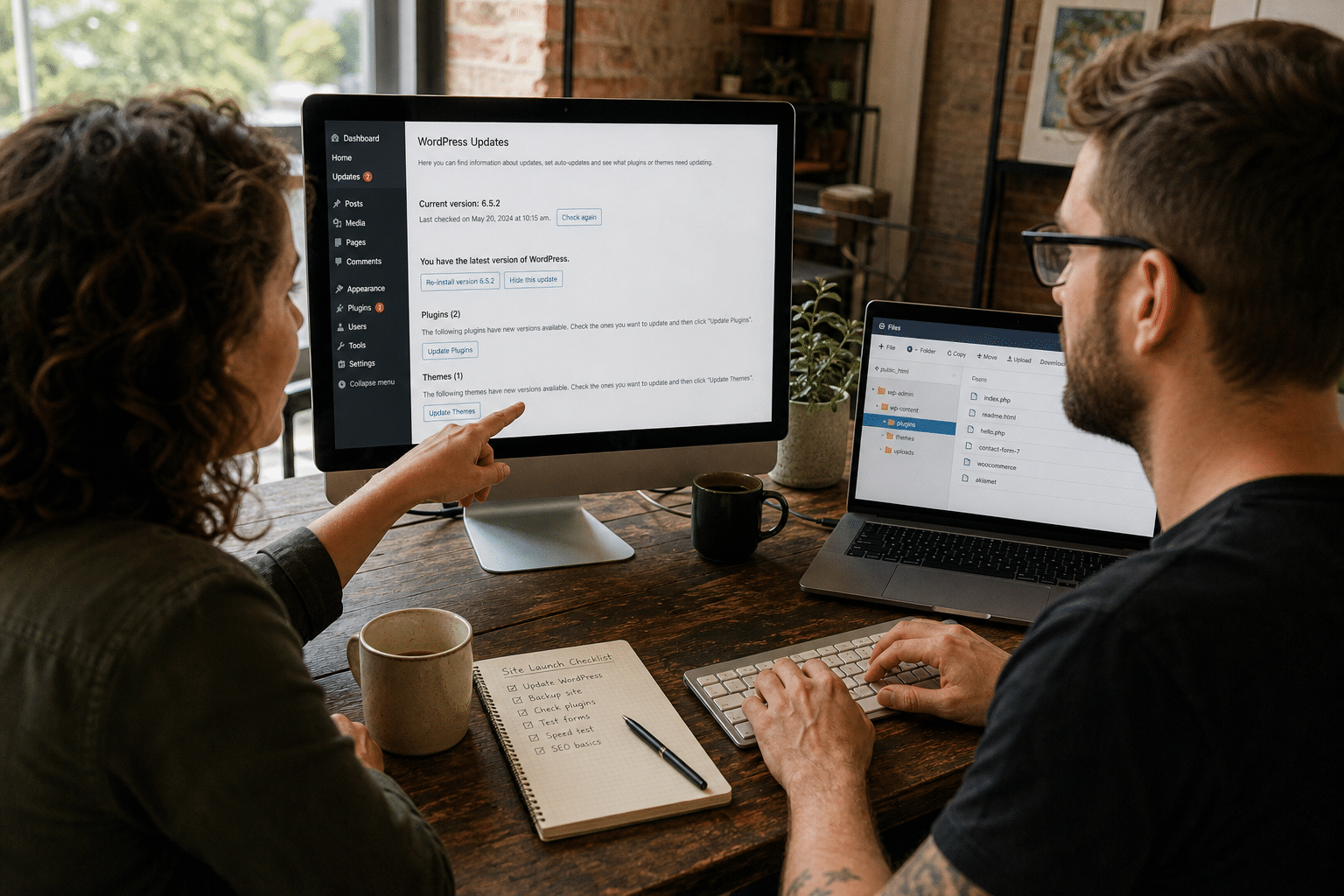
The fastest check is the WordPress dashboard: Dashboard, then Updates, shows the current version. A developer can also read the version from the wp-includes/version.php file on the server, which is the more reliable source because it reflects what is actually deployed.
Some teams prefer to confirm from outside, using the generator tag in the page source. That works on many sites but is not dependable, because many security plugins hide it on purpose. Use the dashboard or the server file, and record the result with a date.
When the Update Breaks Something
A failed update is the most common reason a business site stays vulnerable. A plugin throws an error, the agency rolls the site back, and the rollback quietly restores the vulnerable version.
The pragmatic answer is a staging copy: update the copy first, test the contact form, checkout and booking widgets, then promote. If there is no staging environment and the agency cannot test within a day, the safer trade for a site listed in the KEV catalog is to update production and fix the plugin afterward. A broken widget is an inconvenience. A web shell on your domain is an incident.
Auto-Updates Going Forward
WordPress can apply security releases automatically, and for most small business sites that should be on. The objection is that unattended updates occasionally break things. That risk is real but small for minor security releases, and it is far smaller than the risk of running a known exploited version for weeks. Turn on automatic minor and security updates, and keep major version upgrades on a tested schedule.
Checking Whether Your Site Was Already Touched
Checking a WordPress site for compromise after CVE-2026-87902 means looking for files and accounts that should not exist, because the update closes the door but does not evict anyone already inside. If your site was exposed and unpatched for more than a day after September 22, do this review.
Files That Should Not Be There
Ask your developer or host to list PHP files under wp-content/uploads and any other writable directory, along with recently modified files across the web root since September 22. PHP files inside the uploads folder are a strong warning sign, since that folder normally holds images and documents.
A file integrity scan from a reputable WordPress security plugin, or the host’s own malware scanner, will compare core files against known-good copies. These scans miss well-hidden shells sometimes, so treat a clean result as reassuring rather than conclusive, and keep an offline copy as described in our cloud backup vs local backup guide.
Accounts, Logs and Scheduled Tasks
Review the user list for administrator accounts nobody recognizes, and check whether any user was created or promoted after September 22. Look at scheduled tasks inside WordPress and cron jobs on the server for anything new.
Then ask the host for web server access logs covering the days after the patch and search them for requests containing pearcmd or unusual pagename values. Logs on shared hosting are often kept only a few days, so ask today. If anything turns up, change every WordPress, hosting and database password (stolen admin logins feed the identity-based attacks that cost SMBs real money), rotate the salts in wp-config.php, and treat it as a security incident rather than a maintenance task, and make sure your business disaster recovery plan covers restoring the site from a clean backup.
Owning Website Security After the Patch
Owning website security after the patch means writing down who answers for the site, how fast they respond to a KEV-listed flaw, and how they prove it. Most small businesses never had that conversation because the website felt like a marketing asset rather than a server.
The response to this WordPress flaw is a good test of your current arrangement. If you had to ask who manages updates, the arrangement failed the test, even if the site turned out fine.
Questions to Put to Your Agency or Host
Send your web provider four questions and ask for answers in writing:
- What WordPress version is running right now, and when was it applied?
- Does the active theme or child theme contain a top-level folder starting with “page-“?
- Is PEAR installed on the server, and is pearcmd.php readable by the web server account?
- What is your committed response time for a vulnerability listed in CISA’s KEV catalog?
A good provider answers all four within a day. A vague answer to the last question tells you the arrangement needs to change.
Where the Website Fits in Your Wider Security Program
Treat the website as one more internet-facing system alongside your firewall, VPN and email gateway, with the same patch window and the same owner accountability, an approach that fits naturally into zero trust security for a small business. That also means watching it, through uptime monitoring, file integrity alerts and a web application firewall in front of it.
Some owners push back that the site holds no customer data. Often it does, through contact forms, quote requests and plugin databases. And even a site with no data carries your domain name, which attackers use to host phishing pages and spread malware under your brand, the same lures described in how SMBs stop Microsoft Teams phishing attacks. Staff who know what a spoofed company page looks like are your first warning, which is what security awareness training is for.
Frequently Asked Questions
Does WordPress CVE-2026-87902 affect every WordPress site?
No, exploitation needs a vulnerable version, a theme folder starting with “page-” and a usable PHP file on the server. Sites missing any one condition are much harder to attack. You should still update, because you rarely know all three conditions without checking.
Which WordPress versions fix CVE-2026-87902?
The fixed releases are 7.1.2, 7.0.6, 6.9.9 and 6.8.10, with security backports down to 4.7.37. Confirm the running version in the dashboard or in wp-includes/version.php rather than relying on an update email.
Is updating WordPress enough after CVE-2026-87902?
Updating closes the flaw but does not remove anything an attacker already wrote to the server. If the site was exposed and unpatched for more than a day after September 22, have your provider review files, accounts and logs.
Do I need to remove PEAR from my hosting server?
Removing or restricting PEAR reduces the damage this class of bug can do, and many managed hosts already exclude it. Ask your host before changing anything, since some older applications on the same server may depend on it.
How fast should a web provider patch a known exploited WordPress flaw?
For a flaw in CISA’s Known Exploited Vulnerabilities catalog, a day or two is a reasonable expectation. Put that commitment in your agreement so it is not a matter of goodwill.
Who Stands Behind This Guidance
Mindcore Technologies manages security for small and midsize businesses across New Jersey, Florida and beyond, and a large share of that work is closing the gap between the people who own a website and the people who patch servers. Our team tracks the Known Exploited Vulnerabilities catalog daily and turns new entries into concrete checks for the systems our clients actually run. Our approach is shaped by Matt Rosenthal, Mindcore’s CEO, who focuses on making security accountable and measurable for business leaders rather than leaving it buried in vendor contracts.
Get a Clear Answer on Your WordPress Site’s Exposure
This WordPress flaw is fixed, actively exploited and simple to check: confirm the running version, look for a theme folder starting with “page-“, ask whether PEAR is on the host, and review files and accounts if the site sat unpatched after September 22. Then write down who owns the site’s security and how fast they respond to the next listed flaw, because there will be another one. The businesses that come through these events cleanly are not the ones with the most expensive tools. They are the ones where a named person answers the four questions above within a day. If you want help running these checks or reviewing your web provider’s answers, book a free strategy call and we will walk through your site and hosting with you.