

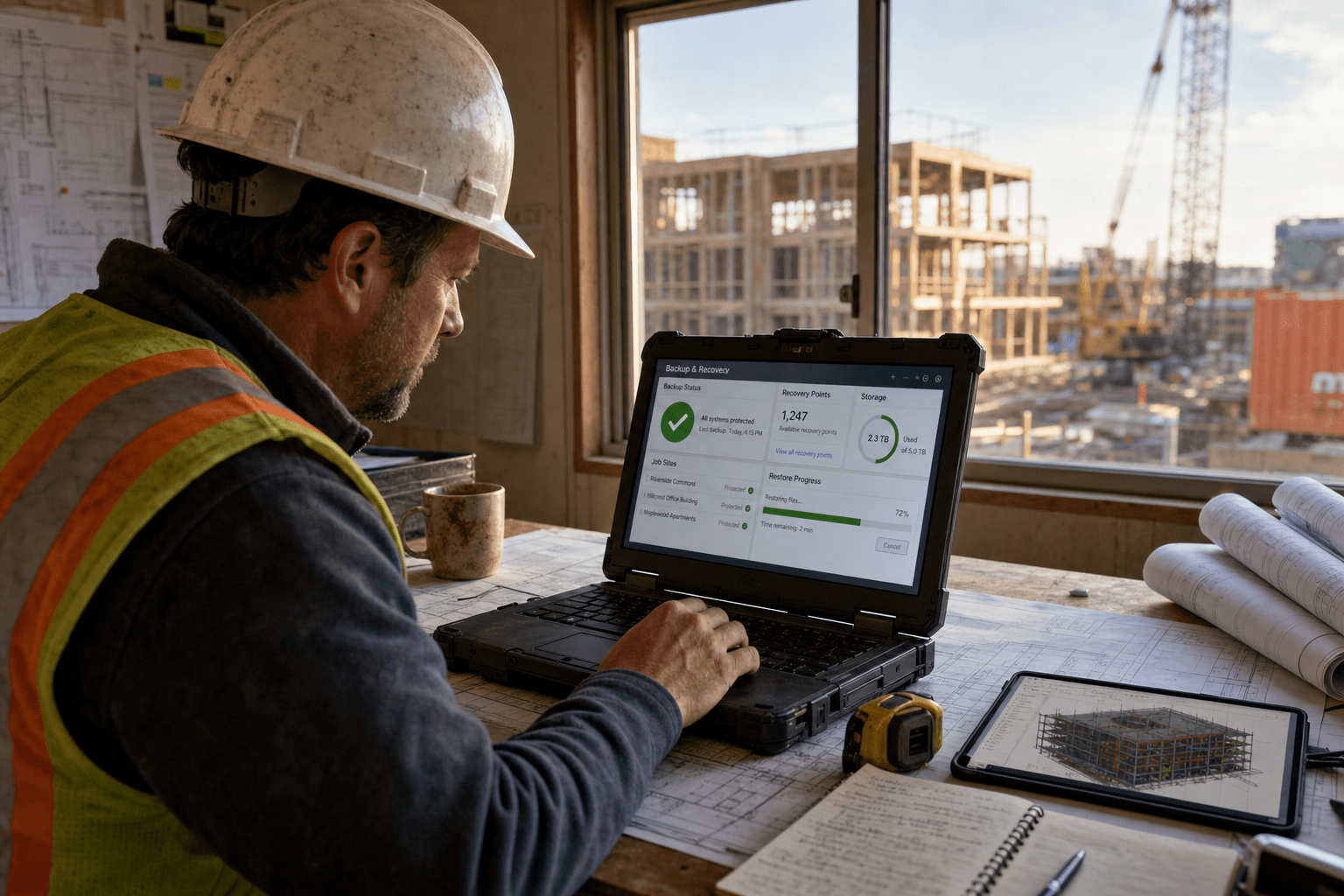
Backup and disaster recovery for construction companies protects the project data that never sits still: BIM models, daily field logs, drone captures, submittals, and the financial records that keep draws moving. The plans that hold up are the ones built around how a construction firm actually works, with data spread across the main office, a job trailer, and a dozen tablets in the field. We have rebuilt data protection for contractors after ransomware, after a flooded trailer, and after a server that simply died mid-project. The pattern is consistent. Firms with a strong Disaster Recovery Construction plan protect field data and test how long a complete restoration takes before an outage occurs. The ones that scramble backed up the office server and assumed that covered them.
The 5 Backup and Disaster Recovery Gaps We See on Job Sites
Disaster Recovery Construction breaks down in predictable areas, and each gap can be corrected before it delays an active project. These are the five we find most often when we audit a contractor’s data protection.
- Unbacked field data. BIM files, photos, and daily logs live on tablets and trailer laptops that were never added to the backup schedule.
- No tested restore. A backup that has never been restored is a guess, not a safety net. Most firms have never timed a real recovery.
- Single-location storage. One copy in one office fails the moment that office floods, burns, or gets encrypted.
- Slow recovery windows. A restore that takes three days is a three-day work stoppage on an active site, and the crew still gets paid.
- Financial and compliance records left exposed. Lien waivers, contracts, and payroll data carry legal weight, and losing them creates liability beyond the lost hours.
Why Backup and Disaster Recovery Fails Construction Companies
Backup and disaster recovery for construction companies fails most often because the plan was designed for an office, not a distributed field operation. A traditional plan backs up the file server at headquarters on a nightly schedule. That works when everyone sits in that building. Construction does not run that way. Your most current data is often the set of progress photos a superintendent shot this afternoon, the markup an architect pushed to a tablet, or the daily log a foreman filed from a trailer with spotty connectivity. If those devices are outside the backup, the plan protects yesterday’s office copy and misses today’s field reality.
How Job Site Data Slips Through the Backup
Disaster Recovery Construction must account for jobsite data created on tablets and trailer laptops where connectivity is weak and synchronization is inconsistent. A superintendent working from a trailer may store files locally for days before a stable connection lets them upload. The argument for local-first workflows is real: crews need their files whether or not the cell signal holds, so local storage keeps work moving. The opposite risk is just as real, because a device that holds the only copy of a week of field data is a single point of failure on wheels. Neither reflex is wrong on its own. The workable answer is a sync layer that captures field files to a protected location automatically whenever a connection is available, so local speed and central protection both hold. We build that sync into a contractor’s cloud backup so the trailer stops being the last line of defense.
How Ransomware Targets Construction Firms
Ransomware targets construction firms because they run tight schedules and often carry thinner IT staffing than the deadlines demand. An attacker knows a contractor facing liquidated damages for a missed milestone has strong pressure to pay quickly. The federal CISA guidance on ransomware is direct that offline, tested backups are the single most reliable way to refuse that pressure, because a firm that can restore does not have to negotiate. The counterpoint some owners raise is that cyber insurance will cover it, and coverage does help. Insurance does not rebuild your project timeline, though, and it will not restore data that was never backed up in a recoverable form. A clean, isolated backup is what turns a ransom demand from a crisis into an inconvenience.
How Physical Site Risk Compounds the Problem
Physical site risk compounds data loss because construction operates in the exact conditions that destroy hardware. Trailers flood, sites lose power for days, and equipment gets stolen or damaged. A backup strategy that keeps every copy on-site assumes the site stays intact, and a job site is one of the least stable environments a business runs in. The reasonable pushback is that on-site storage is fast to restore from when it survives. That holds right up until the event that takes out the site takes out the backup with it. The standard we hold to for contractors is a copy that lives somewhere the physical site risk cannot reach, which is where a cloud-based disaster recovery approach earns its cost.
What a Real Recovery Plan Looks Like for Contractors
A reliable Disaster Recovery Construction plan is measured by how quickly crews and critical systems return to work, not simply by the number of backup copies stored. The federal Ready.gov business continuity guidance frames the plan around the disruptions a business actually faces, and for a contractor that means power loss, flooded trailers, stolen devices, and encryption events all belong in the plan. The plan has to name two numbers before anything else: how much data you can afford to lose, and how long you can afford to be down.
How to Set a Recovery Time You Can Live With
A recovery time you can live with starts with an honest answer to how long an active site can sit idle. Microsoft’s guidance on recovery time and recovery point objectives defines the two targets plainly: recovery time is how long until systems are back, and recovery point is how much recent data you accept losing. Some firms decide a four-hour recovery is worth paying for, because a full crew standing idle burns more than the faster plan costs. Others accept a next-day recovery for back-office systems while demanding near-instant recovery for active project files. There is no universal right answer, and a vendor who quotes one number for every client has not asked about your schedule. We set these targets per system, because your accounting server and your live BIM model do not carry the same urgency.
How to Protect Financial and Compliance Records
Financial and compliance records need protection that goes beyond simple backup, because these files carry legal and contractual weight. Lien waivers, signed contracts, certified payroll, and draw documentation are not just data, they are your standing in a dispute. Losing an active project’s photos costs hours. Losing the documentation that proves you met a contract term can cost a claim. The counterview is that these records also live in email threads and third-party portals, so they feel redundant already. That redundancy is uneven and unverified, which is not the same as a governed backup. We fold these records into a firm’s business continuity and disaster recovery plan with retention rules that match how long a construction claim can stay open.
How to Test a Backup Before You Need It
Disaster Recovery Construction should include scheduled restore testing that proves project files, financial records, and critical systems can be recovered successfully. A backup that has never been restored is an assumption. We run real restore tests at least twice a year, pulling live files and timing how long a full recovery takes against the target the firm set. The argument against frequent testing is that it takes staff time away from billable work, which is fair. The larger cost is discovering during an actual outage that the backup was corrupt, incomplete, or slower than anyone believed. A test is a few hours on a calm day. A failed restore is a stopped project on the worst day.
Frequently Asked Questions
How much does backup and disaster recovery for construction companies cost?
Most contractors fold backup and disaster recovery into a managed IT plan rather than buying it as a standalone product, which spreads the cost across users and systems. The larger figure to weigh is downtime, because an idle crew and a stalled project usually cost far more per day than the protection itself. We scope pricing to the recovery speed each system needs, so you pay for fast recovery where it matters and standard recovery where it does not.
What data should a construction firm back up first?
A construction firm should back up active project files, financial and compliance records, and field-generated data first, because those carry the highest cost if lost. BIM models, daily logs, submittals, and progress photos change constantly and rarely have a clean second copy. Accounting and contract records come next because of their legal weight.
How fast can a construction company recover from ransomware?
A construction company with tested, isolated backups can often recover core systems within hours rather than days, because a clean backup removes any need to negotiate with an attacker. The recovery speed depends on the targets set in advance and whether restores were tested. Firms without tested backups face open-ended downtime and pressure to pay.
Does cloud backup work for job sites with poor connectivity?
Cloud backup works for low-connectivity job sites when it uses a local-first sync layer that captures files on the device and uploads them whenever a connection is available. This keeps crews working offline while still protecting field data centrally. The setup matters more than the platform, and it is where most generic backup tools fall short for contractors.
Talk to a Team That Knows Construction Data
Backup and disaster recovery for construction companies is not a product you buy once and forget, it is a plan that has to match how your crews create and move data across offices, trailers, and tablets. The firms that recover fast are the ones that backed up their field data, set recovery targets they can live with, and tested a real restore before they needed it. The ones that struggle skipped one of those steps and found out during the outage. Our team builds and tests data protection around the way your projects actually run, so a flooded trailer, a dead server, or an encryption event becomes a recoverable event instead of a stalled job. If you want a clear read on where your current backup leaves you exposed, book a free strategy call and we will walk your setup with you.

