

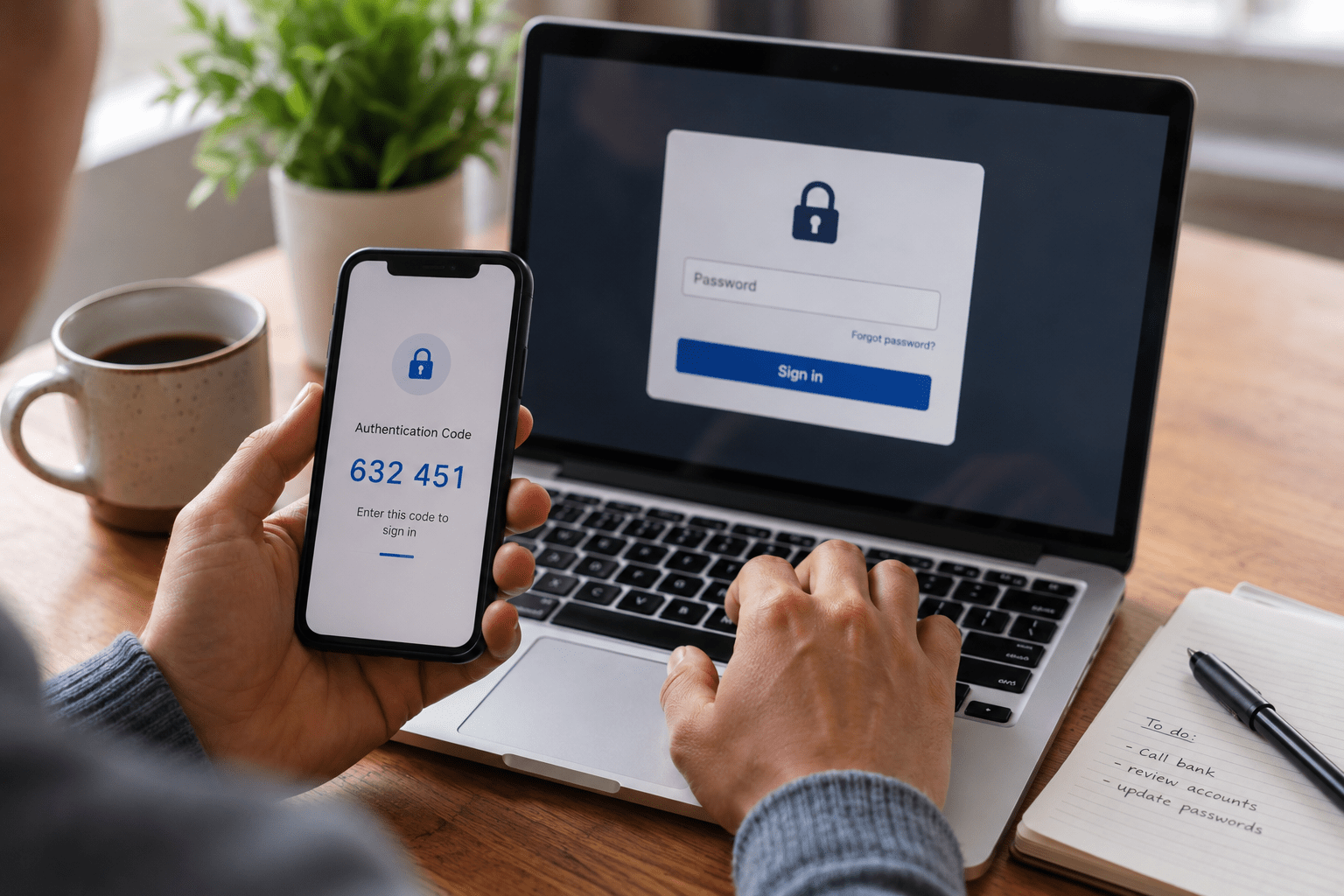
Yes.
That is the complete answer to the question.
But because the objections to MFA are consistent and the consequences of not using it are significant, the full case is worth making.
Multi-factor authentication is not a preference or a nice-to-have security feature. It is the single most effective and accessible control available for protecting accounts from unauthorized access.
The evidence supporting MFA is not theoretical. It comes from years of breach investigations, incident response data, and real-world attack analysis.
Matt Rosenthal, CEO of Mindcore Technologies, responds to cybersecurity incidents across industries. His assessment leaves no room for ambiguity:
“You’ve got to turn that on for every single account that you have. It should be your email, the banks, the credit cards. If you don’t have that turned on, you’re literally asking for a problem.”
Organizations strengthening identity protection should evaluate layered cybersecurity services, authentication controls, and employee security awareness programs before account compromises occur.
Why People Resist MFA
Before making the case for MFA, it is worth acknowledging why resistance exists.
It Adds Friction to the Login Process
This is true.
MFA adds a step to authentication.
For most people using an authenticator app, this adds approximately 5 to 10 seconds per login. For users accessing many systems daily, the inconvenience is real, even if minor.
It Feels Complicated to Set Up
For non-technical users, MFA setup can initially seem intimidating.
In practice, most platforms guide users through setup in under two minutes with straightforward instructions.
“My Accounts Are Not Important Enough to Hack”
This misunderstanding is extremely common.
Attackers do not manually evaluate accounts based on personal importance.
Automated tools test billions of credentials against millions of accounts simultaneously.
If your password appears in a leaked database, your accounts become targets regardless of who you are.
“I Have a Strong Password”
Strong passwords help against brute force attacks.
They do not protect against:
- Phishing attacks
- Credential stuffing
- Password reuse exposure
- Keyloggers
- Man-in-the-middle attacks
MFA addresses these scenarios directly.
Organizations reducing credential-based attacks should also implement security awareness training and phishing simulations.

What the Data Says
The case for MFA is supported by consistent real-world security data.
- Microsoft has reported that MFA blocks over 99% of automated account compromise attacks
- Google research found that hardware security keys blocked 100% of automated bots, 99% of bulk phishing attacks, and 90% of targeted attacks in studied scenarios
- The majority of documented account takeover incidents involve accounts without MFA enabled
These are not laboratory conditions.
These are the same types of attacks responsible for:
- Ransomware deployments
- Data breaches
- Business email compromise incidents
- Unauthorized financial access
Organizations improving authentication resilience should also review Zero Trust security frameworks and secure workspace architecture.
The Specific Attacks MFA Stops
Credential Stuffing
An attacker uses credentials leaked from another breach and tests them against banking, email, or corporate systems.
Without MFA, matching credentials grant immediate access.
With MFA enabled, the password alone is insufficient.
Phishing
A user enters credentials into a convincing fake login page.
Without MFA, attackers immediately gain access.
With MFA, attackers still lack the second factor required to authenticate.
Brute Force Attacks
Attackers use automated tools to test millions of password combinations.
Even if they identify the correct password, MFA blocks account access.
Password Reuse Attacks
A password leaked years ago on another platform is tested against your current accounts.
Without MFA, every account using that password is vulnerable.
With MFA, stolen credentials alone cannot authenticate successfully.
Organizations reducing account takeover risk should implement multi-factor authentication solutions and proactive network security monitoring.
What MFA Does Not Stop
Being honest about MFA limitations strengthens the argument for using it correctly.
MFA Fatigue Attacks
Attackers repeatedly send MFA approval requests hoping users approve one accidentally.
This risk is reduced with:
- Number matching
- User training
- Push notification restrictions
Advanced Adversary-in-the-Middle Phishing
Sophisticated phishing frameworks can intercept MFA codes in real time.
Hardware security keys are highly resistant because they verify legitimate domains before authenticating.
SIM Swapping
Attackers manipulate phone carriers into transferring phone numbers to attacker-controlled devices.
This is why authenticator apps and hardware keys are preferred over SMS-based MFA.
These limitations do not invalidate MFA.
They clarify which MFA method is most appropriate for specific risk levels.
- Hardware security keys for highest-risk accounts
- Authenticator apps as the general standard
- SMS codes only when no stronger option exists
Organizations improving advanced authentication security should also evaluate managed security services and penetration testing services.
MFA as a Compliance Requirement
For regulated industries, MFA is increasingly mandatory from both a compliance and operational standpoint.
FTC Safeguards Rule
The updated FTC Safeguards Rule explicitly requires MFA for anyone accessing customer information.
CMMC
CMMC Level 2 requires MFA for accounts accessing controlled unclassified information.
Defense contractors should evaluate CMMC consulting services.
HIPAA
HIPAA access control requirements are broadly interpreted to require strong authentication protections including MFA for systems containing protected health information.
Healthcare organizations should review HIPAA security requirements.
FINRA Guidance
FINRA cybersecurity guidance consistently references MFA as an expected security control for financial organizations.
Organizations operating in regulated environments without enforced MFA are carrying both security risk and regulatory exposure.
Businesses addressing compliance requirements should also review cybersecurity compliance services and virtual CISO consulting.
How to Implement MFA With Minimal Friction
Use Authenticator Apps Instead of SMS
Authenticator apps:
- Generate codes locally
- Work without network connectivity
- Provide stronger security than text messages
- Are faster than waiting for SMS delivery
Enable Remembered Devices
Most platforms allow trusted devices to remain authenticated after the initial MFA verification.
This significantly reduces daily login friction while maintaining protection against unknown devices.
Use Single Sign-On in Organizational Environments
SSO allows users to authenticate once with MFA and securely access connected systems through the same authenticated session.
This reduces repeated MFA prompts while maintaining strong security.
Use Push Notifications With Number Matching
Number matching requires users to confirm a displayed number before approving authentication requests.
This prevents accidental approvals during MFA fatigue attacks.
Organizations improving workforce security should also evaluate co-managed IT services and managed IT support.
Actionable Steps
- Download an authenticator app today – Microsoft Authenticator and Google Authenticator are free and easy to deploy
- Enable MFA on your email account first – Email controls password recovery for nearly every other account
- Secure financial accounts next – Banking, credit cards, and investment platforms
- Enable MFA on work systems – Microsoft 365, VPNs, Slack, and business software
- Save backup recovery codes securely – Store them offline in a protected location
- Replace SMS MFA where possible – Upgrade to authenticator apps or hardware keys
Organizations seeking stronger operational resilience should also evaluate incident response services and business continuity planning.
FAQ: Is MFA Necessary?
Can I still be hacked with MFA enabled?
Yes, advanced attacks can bypass certain MFA methods. However, authenticator app-based MFA blocks the overwhelming majority of real-world account takeover attempts.
Does MFA slow down productivity?
MFA generally adds only seconds to authentication. In organizations using single sign-on, users often authenticate only once per session.
What happens if I lose my phone?
Most platforms provide backup recovery codes during setup. Store these securely offline so accounts can still be recovered if your device is lost.
Is MFA more important for personal or business accounts?
Both are critical. Personal accounts are targets for identity theft and fraud, while business accounts can expose entire organizational systems if compromised.
The Bottom Line
The question is no longer whether MFA is necessary.
The data is clear. The attack patterns are clear. The recommendations from security professionals are consistent.
MFA blocks the overwhelming majority of automated account attacks. It is free on most platforms. It takes minutes to implement. The inconvenience is measured in seconds. The protection is significant and measurable.
The objections to MFA are understandable, but they are not strong enough to justify the risk of leaving accounts unprotected.
Mindcore Technologies helps organizations enforce MFA across their entire environment while building security programs aligned with modern attack realities.
If MFA is not enabled on every important account you own or manage, that gap should be addressed immediately.
Schedule a consultation with Mindcore to strengthen authentication security, improve compliance readiness, and reduce organizational exposure to credential-based attacks.
Source content adapted from uploaded file. :contentReference[oaicite:0]{index=0}

